Images stay in your browser — not uploaded.
Add a Grid to a Photo for Drawing
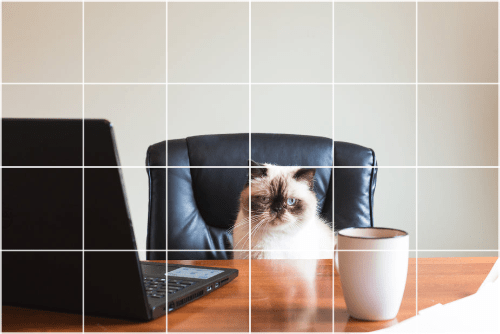
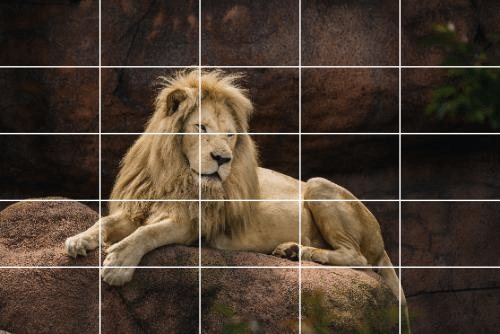
Draw lines over a photo for the grid method. This overlays a grid; it does not trace the picture. Set up to 20 rows and columns, line color, thickness, and opacity, then export a PNG at the photo’s resolution. Free, no signup, no watermark. Images stay in your browser — not uploaded.
Grid overlay draws straight lines on the photo and downloads a PNG named grid_photo_ and a timestamp, at the photo pixel size. It does not trace.
Rows and columns stop at 20. The page opens at 5 by 5. Line width runs from 0.1 to 2, a percent of the longer side. Opacity runs from 10% to 100%. The preview may shrink to fit 1200 pixels. The file does not.
The lines are drawn in this browser tab. The photo is not uploaded.
Common Use Cases
- Artist grid method for drawing
- Composition guides for photographers
- UI/UX layout alignment
- Technical illustration scaling
- Proportion checking for portraits
How it Works
- Upload a JPG, PNG, or WebP
- Set rows, columns, and line style
- Download a PNG with the grid